
CloudPop · Game guides
Cloud Balance
A little weight. A clever balance.
Overview
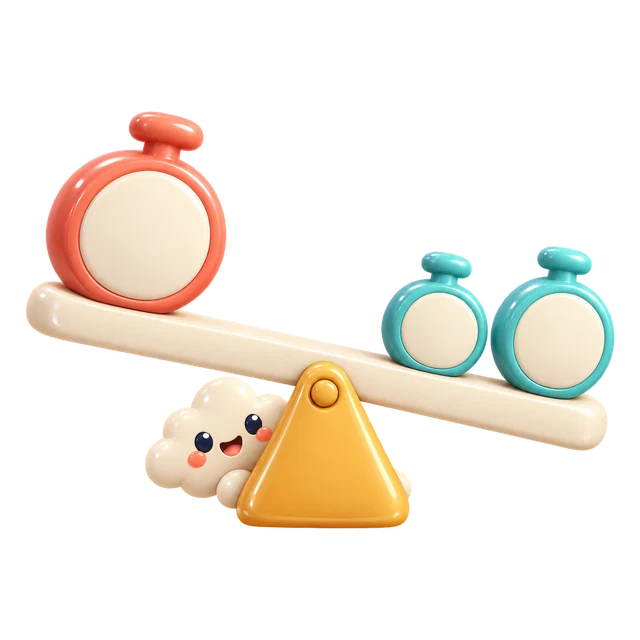
Choose one of the first three weights, then an empty dock. A weight farther from the middle pulls harder. Keep the tilt within the safe limit and finish with every weight placed and 0 tilt.
Controls
Tap a weight, then a dock. Keyboard: Tab to a control and Enter or Space to choose it. Each empty dock shows the resulting tilt. Undo is always available before completion.
How to play
- Tap a weight, then a dock. Keyboard: Tab to a control and Enter or Space to choose it. Each empty dock shows the resulting tilt. Undo is always available before completion.
- Choose one of the first three weights, then an empty dock. A weight farther from the middle pulls harder. Keep the tilt within the safe limit and finish with every weight placed and 0 tilt.
Scoring and rounds
Each placed weight gives 100 points. Landing at 0 tilt adds 25 points. A fully balanced board adds 500 points. Undo restores the previous score. Unsafe placements are refused without using the weight; there is no timer.
Play tips
The number on a weight multiplied by its distance from the middle is its pull. A light weight far out can balance a heavier weight close in. Look at the next pieces before choosing.
Common mistakes
A safe move can still leave the final board unbalanced. If all weights are down and tilt is not 0, undo and use a different dock.
Taking a break
Use Pause or Esc to take a break, then select Resume. Switching tabs or windows also pauses a running game. Paused time does not count as play time.
Records and progress
Best scores, puzzle progress and settings are saved in this browser, without cross-device sync. Puzzle progress remembers which puzzle to start next; it does not restore unfinished boards or live rounds. Clearing site data removes records, and blocked storage may prevent new records from being kept.