
CloudPop · Game guides
Cloud Blocks
Take your time
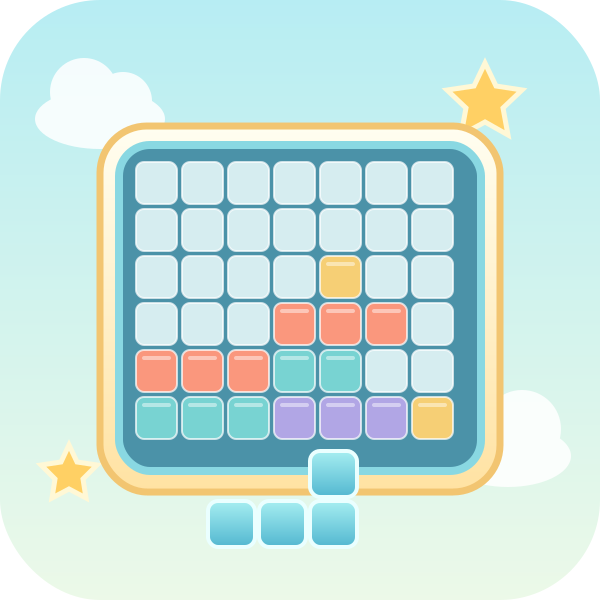
Overview
Place blocks on an 8×8 board. Fill a whole row or column to clear it.
Controls
Choose a piece below, then tap the cell for its top-left corner.
How to play
- Place blocks on an 8×8 board. Fill a whole row or column to clear it. Choose a piece below, then tap the cell for its top-left corner.
- Choose one of three pieces and place it on the 8×8 board. The cell you tap anchors the piece’s top-left corner. Pieces cannot rotate. Full rows and columns clear at the same time. Use all three pieces to receive three new ones. There is no timer. Play ends only when none of the remaining pieces fits anywhere. Earn 1 point per placed square and 10 per cleared square. A square where a cleared row and column cross counts only once.
Scoring and rounds
Earn 1 point per placed square and 10 per cleared square. A square where a cleared row and column cross counts only once.
Play tips
Before placing an easy small piece, find room for larger pieces with fewer possible placements. Check whether the other two pieces will still fit afterward. Preserve continuous space for long pieces as you plan line clears.
Common mistakes
Pieces cannot rotate. The tapped cell anchors the shape's top-left corner, not its center. Empty cells can remain when the round ends if none of the remaining pieces fits. A row-and-column intersection scores once when both clear.
Taking a break
Use Pause or Esc to take a break, then select Resume. Switching tabs or windows also pauses a running game. Paused time does not count as play time.
Records and progress
Best scores, puzzle progress and settings are saved in this browser, without cross-device sync. Puzzle progress remembers which puzzle to start next; it does not restore unfinished boards or live rounds. Clearing site data removes records, and blocked storage may prevent new records from being kept.