
CloudPop · Game guides
Cloud Sudoku
Take your time
Overview
Use each number once in every row, column, and outlined box.
Controls
Choose an empty cell, then tap a number. Use notes to jot down candidates.
How to play
- Use each number once in every row, column, and outlined box. Choose an empty cell, then tap a number. Use notes to jot down candidates.
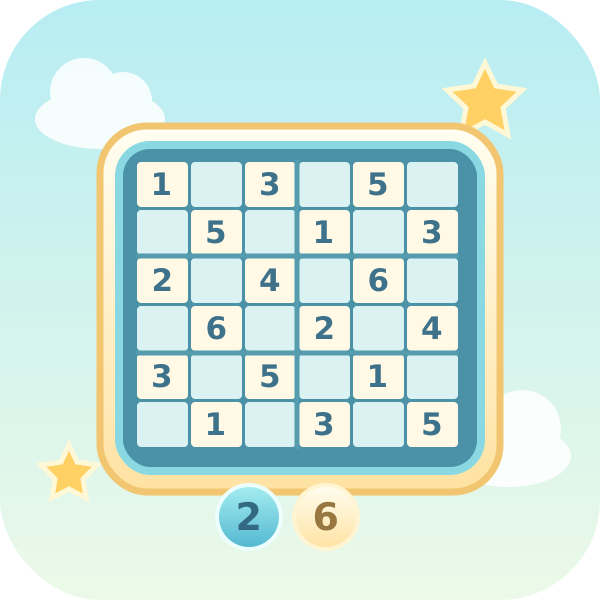
- Solve six 6×6 puzzles, then six 9×9 puzzles. On a 6×6 grid, put 1–6 once in each row, column, and 2×3 box. On a 9×9 grid, use 1–9 and 3×3 boxes. Use notes, erase, and undo as you think. Logical hints highlight a cell and explain a candidate without filling it in. All 12 puzzles are untimed. Earn 10 points for each editable cell you fill, plus 100 for completing the puzzle. Only completed puzzles are saved to your record. Time and hints never reduce your score.
Scoring and rounds
Earn 10 points for each editable cell you fill, plus 100 for completing the puzzle. Only completed puzzles are saved to your record. Time and hints never reduce your score.
Play tips
Start with rows or boxes that already contain many numbers. Check whether a cell has only one candidate, or whether a number has only one possible location in that unit. Read the reason behind a hint and try the same deduction elsewhere.
Common mistakes
Small candidate notes are not entered answers. Time and hints do not reduce your score. Hints do not fill an answer automatically, and a record is saved only when the puzzle is complete.
Taking a break
Use Pause or Esc to take a break, then select Resume. Switching tabs or windows also pauses a running game. Paused time does not count as play time.
Records and progress
Best scores, puzzle progress and settings are saved in this browser, without cross-device sync. Puzzle progress remembers which puzzle to start next; it does not restore unfinished boards or live rounds. Clearing site data removes records, and blocked storage may prevent new records from being kept.